
Rummy Gold App: Play Pool & Deals in 2026!

Rummy Gold app brings the classic Indian rummy experience to your mobile device with a dedicated app designed for Android and iOS platforms. Players can enjoy 13-card rummy matches against opponents worldwide, participate in tournaments, and access their gaming account anytime from their smartphone or tablet.
App Details
|
Feature |
Details |
|---|---|
|
Platforms |
Android, iOS |
|
App Type |
Native mobile application |
|
Internet Required |
Yes (online multiplayer) |
|
Age Requirement |
18+ only |
|
Currency |
INR |
|
Account Registration |
Required |
Players must be 18 years or older to download and use the app. Age verification occurs during the registration process through document submission.
How to Download Rummy Gold App
For Android devices:
-
Visit the Google Play Store on your Android device
-
Search for "Rummy Gold" in the search bar
-
Locate the official app from the verified developer
-
Tap the Install button
-
Wait for the download and automatic installation to complete
-
Open the app and register or log in to your account
For iOS devices:
-
Open the App Store on your iPhone or iPad
-
Use the search function to find "Rummy Gold"
-
Verify the developer name matches the official publisher
-
Tap Get, then Install
-
Authenticate with Face ID, Touch ID, or your Apple ID password
-
Launch the app after installation completes
Check the developer name carefully before installing to avoid unofficial versions. The official app displays verified publisher badges on both app stores.
App Features and Functionality
The Rummy Gold app includes features designed for mobile gaming sessions. Quick-match functionality lets you join tables within seconds, while the lobby system displays available games filtered by stake level, player count, and game variation.
Core features include:
-
Real-time multiplayer matches with players across India
-
Private table creation for games with friends and family
-
Tournament brackets with scheduled events and prize pools
-
Practice mode for learning rules without risking funds
-
In-app chat for table communication
-
Game history tracking with detailed hand reviews
-
Balance management with deposit and withdrawal access
The app stores your login credentials securely for faster access on future sessions. Biometric authentication options let you unlock the app with fingerprint or face recognition instead of typing passwords each time. There are also notifications available for tournaments and requests.
Game Selection and Variations
Rummy Gold offers multiple rummy variations within the mobile app. The classic 13-card rummy format serves as the foundation, where players draw and discard cards to form valid sets (three or four cards of the same rank) and sequences (three or more consecutive cards of the same suit).
|
Game Type |
Players |
Format |
|---|---|---|
|
Points Rummy |
2-6 |
Single deal, winner takes all |
|
Pool Rummy |
2-6 |
Elimination format, last player standing |
|
Deals Rummy |
2-6 |
Fixed number of deals, highest score wins |
Deposits and Withdrawals on Mobile
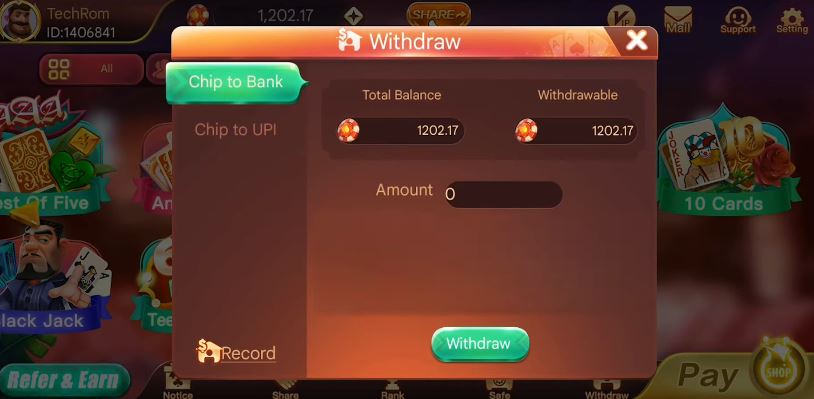
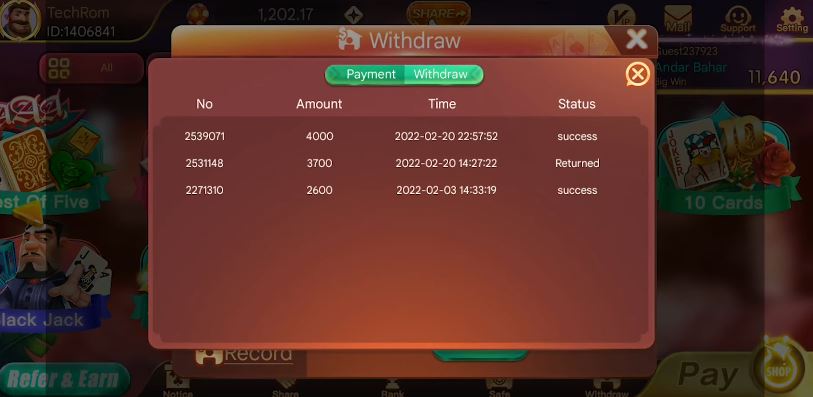
The app provides full access to banking functions without switching to a browser. You can add funds to your account, request withdrawals, and view transaction history directly through the mobile interface.
Payment methods for Indian players:
-
UPI (Google Pay, PhonePe, Paytm)
-
Bank transfer (NEFT/RTGS/IMPS)
-
Debit cards (Visa, Mastercard, RuPay)
-
Digital wallets
UPI transactions process instantly for deposits, allowing you to join paid tables within seconds of confirming payment. Bank transfers may require processing time depending on the method selected.
App Performance and User Experience
The native app architecture delivers faster load times compared to browser-based play. Game animations run smoothly at higher frame rates, and touch controls respond without the input lag sometimes present in mobile web browsers.
Performance advantages:
-
Instant table joins without page reloads
-
Background app support for multitasking
-
Offline account access for viewing history and stats
-
Reduced data consumption compared to mobile browsers
-
Hardware-optimized graphics rendering
The app caches certain elements locally on your device, reducing the amount of data downloaded each session. This optimization benefits players with limited mobile data plans or inconsistent internet connections.
System Requirements and Compatibility
Minimum requirements for Android:
-
Android version 5.0 or higher
-
2GB RAM
-
100MB free storage space
-
Active internet connection
Minimum requirements for iOS:
-
iOS 11.0 or later
-
Compatible with iPhone, iPad, and iPod touch
-
100MB free storage space
-
Internet connectivity required
Devices meeting these minimum specifications run the app, though older hardware may experience slower performance during peak usage. Upgrading to newer devices with faster processors improves animation smoothness and reduces loading times between screens.
App Security and Permissions
During installation, the app requests specific permissions to function properly. Understanding these permissions helps you make informed decisions about your privacy and security.
Required permissions include:
-
Internet access (for multiplayer connections and account sync)
-
Storage access (to save app data and cache)
-
Camera access (for document verification during KYC)
-
Location services (for geo-compliance and fraud prevention)
The app encrypts data transmitted between your device and game servers using SSL/TLS protocols. This encryption protects your login credentials, financial information, and personal details from interception during transmission.
Responsible Gaming and Age Requirements
This app is strictly for users 18 years and older. Age verification occurs during registration through government-issued ID submission. Players providing false age information risk permanent account suspension and forfeiture of funds.
Responsible gaming tools within the app help you maintain control over your playing habits:
-
Deposit limits (daily, weekly, monthly)
-
Loss limits to cap potential losses
-
Session time reminders and auto-logout timers
-
Self-exclusion options for temporary or permanent breaks
-
Reality check notifications displaying time and money spent
Alternative Rummy Apps
Several other rummy apps serve the Indian market with similar features and gameplay variations. Exploring alternatives helps you find the platform that best matches your preferences for interface design, tournament schedules, and stake levels.
Popular alternatives include:
-
RummyCircle (extensive tournament calendar with large prize pools)
-
Junglee Rummy (beginner-friendly interface with detailed tutorials)
-
Ace2Three (focuses on points rummy with fast-paced tables)
-
KhelPlay Rummy (strong emphasis on fair play certification)
Each platform offers unique promotional structures, loyalty rewards, and game variation selections. Try multiple apps to compare features like table speed, user interface responsiveness, and customer support quality before committing to a primary platform.
Cross-platform compatibility varies among providers. Some apps sync with web accounts for switching between devices, while others maintain separate mobile-only profiles.
Frequently Asked Questions
How do I download the Rummy Gold app on my Android phone?
Open the Google Play Store, search for "Rummy Gold," verify the official developer name, tap Install, and wait for automatic download and installation. Launch the app and register or log in to start playing.
What are the minimum system requirements for the app?
Android devices need version 5.0 or higher with 2GB RAM and 100MB free storage. iOS devices require iOS 11.0 or later. Both platforms need active internet connections for gameplay.
Can I play rummy offline without an internet connection?
No, the app requires continuous internet connectivity for multiplayer matches and account synchronization. Offline mode is not available since all games involve real-time competition with other players.
How do I deposit money into my account through the mobile app?
Navigate to the cashier or wallet section within the app, select your preferred payment method (UPI, bank transfer, or cards), enter the deposit amount, and follow the payment prompts. Deposits process instantly for most methods.
Is the app available for both Android and iOS?
Yes, Rummy Gold offers native apps for both Android (via Google Play Store) and iOS (via Apple App Store). Download the version matching your device's operating system.
How much storage space does the app require?
The initial download requires 100MB of free storage space. Space accumulates over time for cached data and game history. Regularly clearing the app cache manages storage usage.
Does the app support tablets as well as smartphones?
Yes, the app installs and runs on tablets meeting the minimum system requirements. The interface adapts to larger screens, providing more visible card layouts and table information on tablet displays.
Play responsibly. This app is for users 18+ only. Set deposit limits, take regular breaks, and seek help if gaming stops being entertainment. Never chase losses or play with money you cannot afford to lose.